
🌐 Introduction
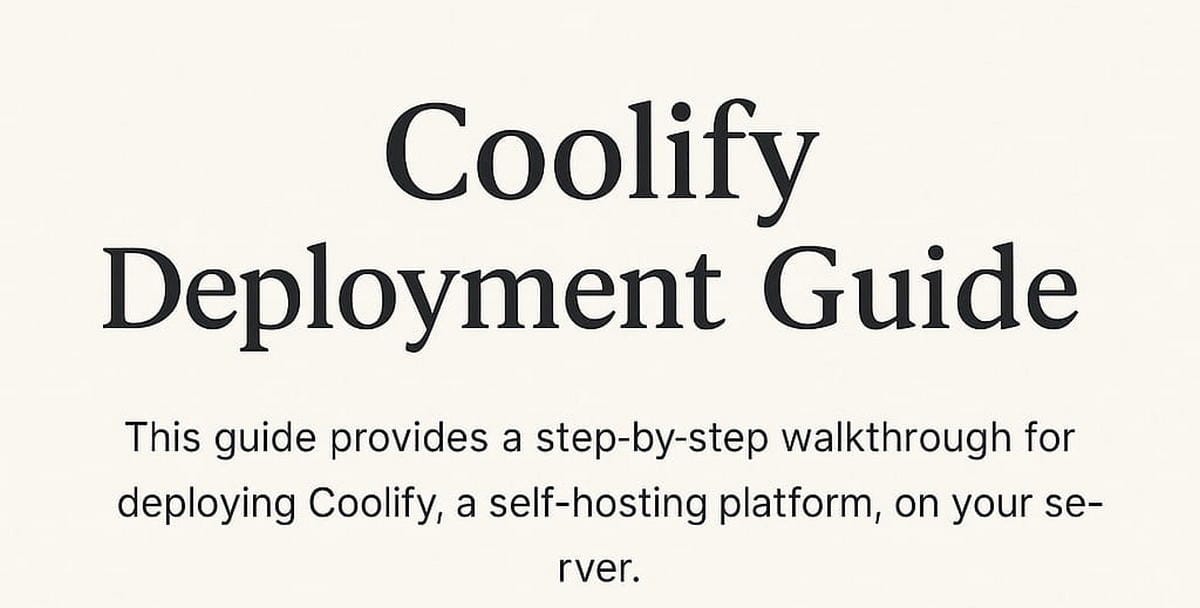
Coolify is an open-source self-hosted PaaS that makes deploying apps with Docker containers a breeze. With Coolify v4, you can easily manage Docker images, Compose stacks, domains, SSL, and more using a modern GUI — perfect for solo developers and small teams.
In this guide, we’ll walk through how to deploy Coolify v4 on your own VPS using Docker, enable Traefik for automatic SSL, and get ready for app deployment.
✅ Prerequisites
- A VPS with Ubuntu 22.04 or 24.04
- A domain (e.g.,
panel.example.com) pointed to your VPS IP - Docker and UFW installed
🐳 Install Docker & Firewall
sudo apt update && sudo apt install -y docker.io docker-compose ufw curl git
sudo systemctl enable docker --now

# Basic firewall setup
sudo ufw allow OpenSSH
sudo ufw allow 80
sudo ufw allow 443
sudo ufw enable
⚙️ Install Coolify v4
mkdir -p /root/coolify && cd /root/coolify

# Create docker-compose.yml
nano docker-compose.yml
Paste the following:
version: '3.8'
services:
  coolify:
    image: ghcr.io/coollabsio/coolify:latest
    container_name: coolify
    ports:
      - "8000:8080"
    volumes:
      - coolify-data:/app/data
    restart: always

volumes:
  coolify-data:
Then launch:
docker compose up -dCoolify will be available at: http://your-vps-ip:8000
🔒 Set Up Your Domain & SSL with Traefik
1. Access the UI at:
http://your-vps-ip:80002. Create an admin user, then go to:
Settings → Configuration → Proxy → Select: TraefikCoolify will install Traefik and handle SSL automatically.
🌍 DNS Setup for Domain
In your DNS provider (e.g., Cloudflare):
| Type | Name | Value | Proxy |
|---|---|---|---|
| A | panel | VPS IP address | DNS Only ⚪ |
Then in Coolify:
Instance Domain: https://panel.example.comCoolify will automatically request and apply a Let’s Encrypt certificate.
🧪 First Test: Deploy a Simple App
Try deploying something like Portainer, FOSSBilling, or FileRun using Docker Compose in a project.
🎉 Conclusion
You’ve now successfully deployed Coolify v4 as your self-hosted app platform. From here, you can deploy containerized apps with SSL and custom domains using an intuitive web interface.
EngineerHow.com Recommended
Hosted by: EngineerHow.com – Master your stack, one tool at a time.
© 2024 EngineerHow – Self-Hosting | DevOps | Open Source


