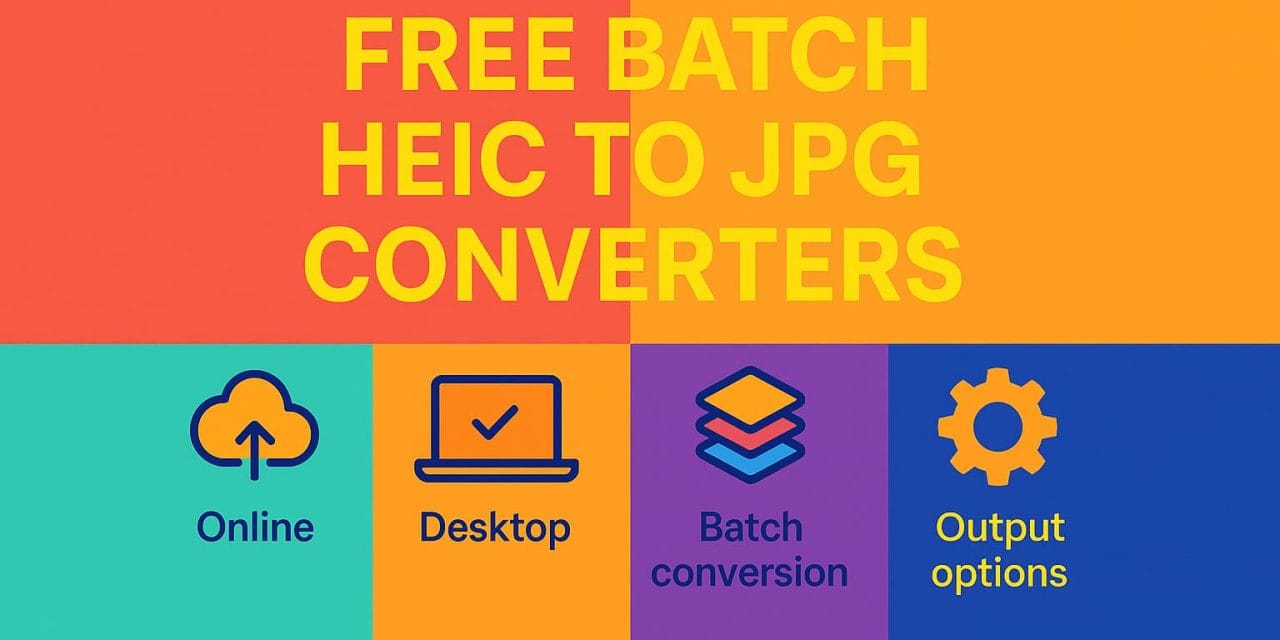
Converting HEIC images to JPG in bulk doesn’t have to be painful—or expensive. Whether you’re on Windows, Mac, or prefer online tools, here’s a 2025 guide to the best free batch converters.
1. Online, No Install Needed
- Picflow – Fully in-browser, works offline after load, batch-friendly, privacy-focused.
- iLoveIMG – Easy drag-and-drop, converts multiple files in one go.
- HEIC.online – Batch upload, crop, resize, watermark before conversion.
2. Desktop Software
- iMazing HEIC Converter – Free Mac & Windows app with batch mode, EXIF support, quality control.
- CopyTrans HEIC – Windows-only, right-click convert, adds HEIC viewing in Explorer.
- XnConvert – Cross-platform, supports 500+ formats, batch edits & filters.
- IrfanView – Lightweight, plugin-powered batch processing.
3. Why This Matters
Apple devices now save images in HEIC format for efficiency. But not all platforms and apps support it. Batch converters let you switch to JPG without losing time or quality.

EngineerHow.com Recommendation:
If you want speed & privacy, go with Picflow. If you want offline power, choose iMazing Converter or XnConvert.
© EngineerHow.com