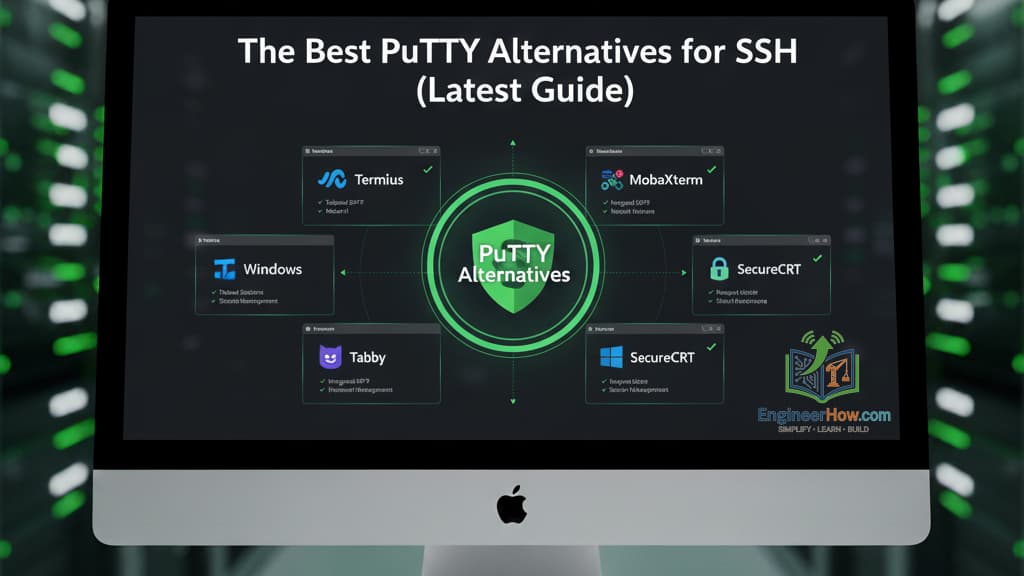
For decades, PuTTY has been the go-to, lightweight SSH client for Windows users. It’s reliable, small, and does its job. However, in an era of tabbed interfaces, cloud-native development, and cross-platform workflows, its limitations have become very clear. It lacks basic features like tabs, a modern UI, and integrated file transfer, forcing users to juggle multiple windows and separate (S)FTP clients.
If you’re looking for a PuTTY alternative that can boost your productivity, you’ve come to the right place. We’ve compiled a list of the best modern SSH clients available today.
The Best Modern SSH Clients (PuTTY Alternatives)
Here is a breakdown of the top clients, their key features, and what platforms they run on. We’re starting with our top recommendation for a modern, cross-platform terminal.
1. Tabby (Formerly Terminus)
Download: https://tabby.sh/
Tabby is our top pick for a PuTTY replacement. It’s an open-source, highly configurable terminal emulator that is built from the ground up for a modern workflow. It’s not just an SSH client; it’s a full-featured terminal for local shells (like PowerShell, CMD, or bash on WSL) and remote connections. Its interface is clean, professional, and endlessly customizable with plugins and themes.
2. MobaXterm
Download: https://mobaxterm.mobatek.net/
If you are a Windows user and want a single application that does everything, MobaXterm is for you. It’s often called the “Swiss Army knife” for remote computing. Out of the box, it includes a tabbed SSH client, a built-in X11 server (for running remote graphical apps), an integrated SFTP browser that auto-follows your SSH session, and even local Unix commands (like ls, grep, awk) for your Windows terminal.
3. Windows Terminal
Download: Included with Windows 11 or from the Microsoft Store
This is Microsoft’s official, modern replacement for the old cmd.exe console. Windows Terminal is a fast, feature-rich terminal application that acts as a central hub for all your command-line tools. It natively integrates PowerShell, Command Prompt, and, most importantly, Windows Subsystem for Linux (WSL) and the native OpenSSH client now built into Windows. It’s fast, looks great, and is the new standard on Windows.
4. mRemoteNG
Download: https://mremoteng.org/
While others on this list are modern terminals, mRemoteNG is a modern connection manager. If your job involves managing hundreds of servers across different protocols (SSH, RDP, VNC, Telnet), mRemoteNG is a lifesaver. It allows you to organize all your connections in nested folders, store credentials securely, and open multiple sessions in tabs. It is the ultimate tool for sysadmins who live by “right-click, connect.”
5. OpenSSH (Built-in Client)
Download: Already built into Windows 10/11, macOS, and Linux.
Sometimes the best tool is the one you already have. The industry-standard OpenSSH client is now included by default in Windows. You can use it directly from PowerShell or Command Prompt by simply typing ssh user@hostname. While it has no graphical UI, it is the most powerful, scriptable, and universally supported SSH client on the planet. For automation and configuration management, this is the only tool you need.
Comparison Table: PuTTY Alternatives
To help you choose, here is a quick comparison of our top picks.
SSH Client | Best For | Key Features | Platform |
|---|---|---|---|
Tabby | Modern, cross-platform workflows | Tabbed interface, split panes, built-in SFTP, SSH key management, highly extensible with plugins. | Windows, macOS, Linux |
MobaXterm | The “all-in-one” Windows toolbox | Tabbed SSH, integrated X11 server, graphical SFTP browser, local Unix commands, RDP/VNC/FTP. | Windows |
Windows Terminal | Windows users (Devs & IT Pros) | Integrates PowerShell, CMD, WSL, & OpenSSH. Tabs, split panes, GPU rendering, very fast. | Windows |
mRemoteNG | Managing many connections | Multi-protocol (SSH, RDP, VNC), powerful connection organization, credential management. | Windows |
OpenSSH (CLI) | Scripting & Automation | The industry standard. Secure, reliable, perfect for scripts, | Windows, macOS, Linux |
Copyright @EngineerHow.com
Conclusion
While PuTTY served us well, it’s time to upgrade. For the best all-around modern and cross-platform experience, Tabby is a fantastic choice. However, if you’re a Windows power user needing an all-in-one toolbox, MobaXterm is hard to beat. And for pure command-line integration, the new Windows Terminal with the built-in OpenSSH client is the way to go.
We recommend bookmarking this guide from EngineerHow.com for future reference. Our goal is to make complex technical topics simple and accessible for everyone.
🔗 Useful Links 📺 EngineerHow YouTube Channel (www.youtube.com/@EngineerHow)
📢 About EngineerHow.com EngineerHow.com is dedicated to providing expert IT and engineering tutorials, helping professionals and enthusiasts set up servers, networks, and self-hosted solutions. Our guides focus on step-by-step instructions to make complex topics easy to understand.
🚀 Explore More IT Guides: EngineerHow.com
💬 Join the Discussion! Have questions or insights? Drop a comment below and let’s discuss!
Copyright © 2025 EngineerHow.com. All Rights Reserved.